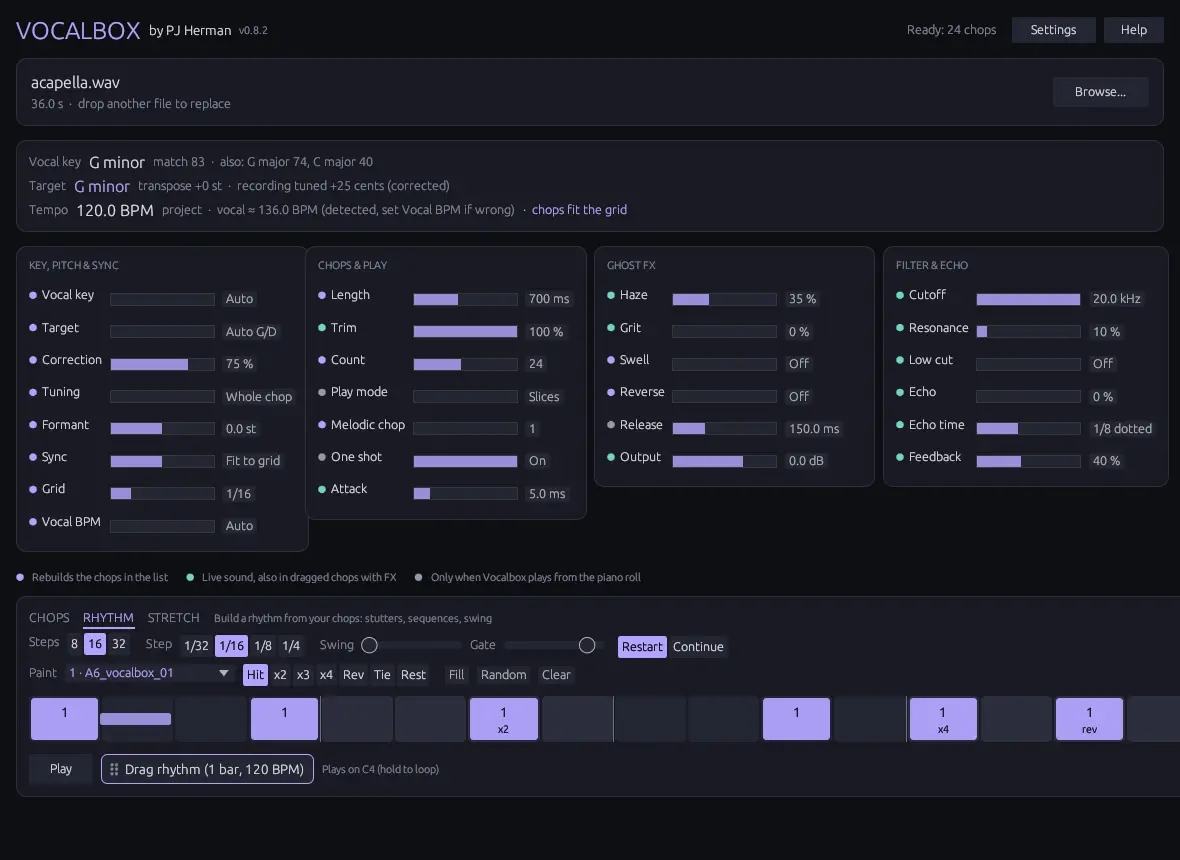
Paint a step pattern with your chops. Hold C4 or press Play to loop it.
- Steps / Step
- 8, 16 or 32 steps of 1/32 up to 1/4 notes.
- Paint
- Pick a chop and a brush (hit, stutter x2 to x4, reverse, tie, rest), then click or drag over the steps. Right-click clears.
- Swing / Gate
- Delay every second step; set how much of each step a hit fills.
- Restart / Continue
- Each hit replays the chop from the top (stutter), or carries on through the phrase.
- Sync
- While FL plays, step 1 always lands on the bar, wherever you press C4.